
How to Redeem Hotel Tycoon 2 Codes
Open the in-game box, paste a live string, and collect cash or Diamonds on the Lycke plot.
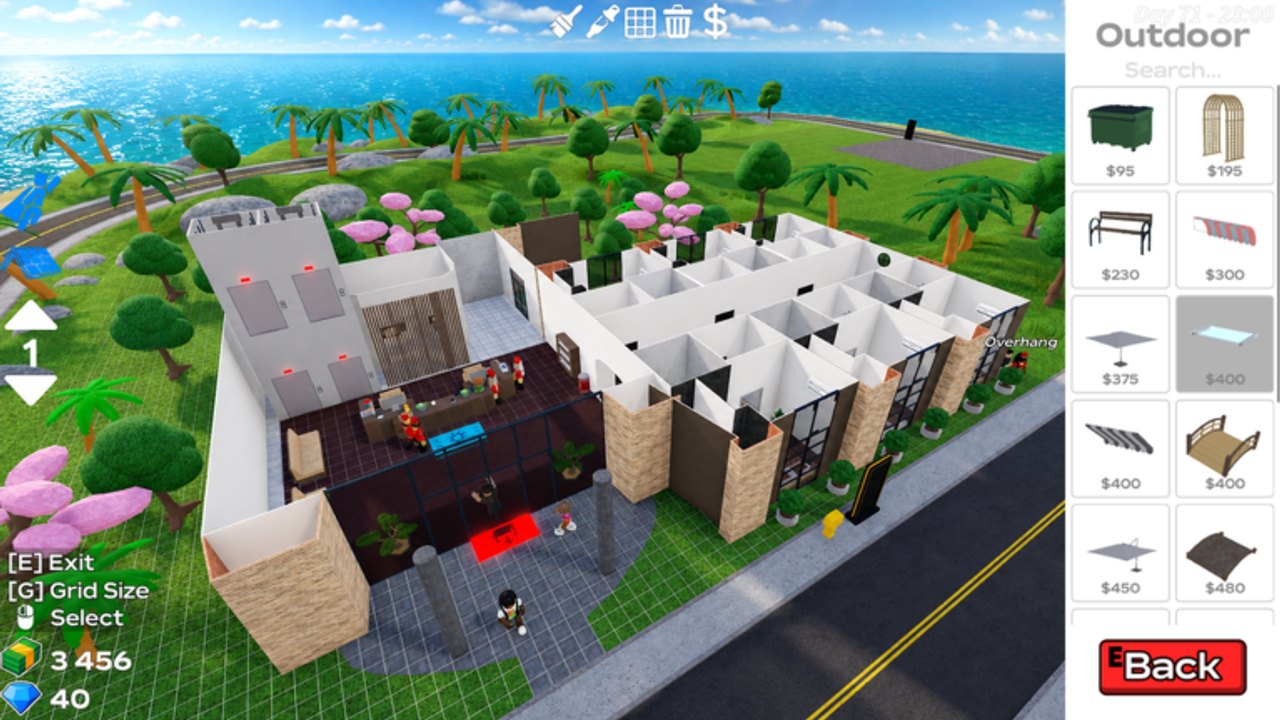
Codes in Hotel Tycoon 2 are short strings the Lycke group can drop for cash, Diamonds, or a boost. The codes hub lists every string we have confirmed on place 114639020543523. This page is only the click path. If the hub table is empty, there is nothing to paste — do not invent lebus or other titles’ gifts.
Step-by-step
- Join Hotel Tycoon 2 and wait until your plot HUD shows cash and Diamonds. Codes typed on the Roblox home screen do nothing.
- Look for a Codes, Store, or Rewards button on the hotel HUD (right-side or gear menus are the usual tycoon pattern). BETA layouts move. If you cannot see it, check Settings at the bottom of the pause list for an Enter Code row.
- Tap the empty field. Paste the string. Do not add spaces. Codes are case-sensitive.
- Confirm with Redeem / Submit / Claim.
- Watch cash or Diamonds. If nothing changes, you already used it, the shard is stale, or the code is dead.
After a patch, rejoin a new server before you assume the code is expired. Old 6-player shards can sit on a previous build. Server size is six; hopping is cheap.
Mobile versus desktop
On desktop, Ctrl+V into the box. On mobile, paste from the Roblox keyboard; do not type from memory if the string has mixed case. Close build mode first ([E]) so the catalog is not eating taps.
If you are in an elevator keypad, close that UI too. The G / 1–7 pad is not the code box.
What success looks like
A toast or a jump in the HUD cash number. Spend it using the table on how to make money — beds and washers before art. Diamonds can wait unless you already planned a pass.
Friends on the same plot each redeem on their own account. Shared hotel cash still needs each player to open the box. See multiplayer.
Why a code fails
| Symptom | Likely cause | Fix |
|---|---|---|
| Invalid / not found | Wrong game or typo | Confirm you are on the Lycke place, not LeBus |
| Already redeemed | This account used it | Stop; codes are once per account |
| Nothing happens | Old server | Rejoin |
| Expired | Drop ended | Check the codes hub expired table |
| No box in the HUD | BETA moved the button | Recheck Store / Settings after the next patch |
Never buy a “code generator.” Those are scams. This wiki will never ask for your password.
After you redeem
Go back to the loop: click guests, laundry, checkout — how to play. A code is a bump, not a skip. If you AFK with an autofarm, pause it while the redeem UI is open so the script does not click through the box.
New strings usually land on the Lycke group shout. Where to find codes is the hunting page. Bookmark both that page and this one.
If the box accepts the string but cash does not move, wait one checkout cycle. Some BETA shards apply gifts on the next HUD refresh rather than instantly. Then spend using beds-first order, not Outdoor art.
Players who redeem on mobile sometimes paste a trailing newline from a group shout. Delete the extra line and submit again before you assume the code is dead.
Related: Getting Started if you have not claimed a plot, updates if you just missed a BETA event drop. The first-hour checklist is the better tab if you still have no washer.
Frequently Asked Questions
Quick answers for Hotel Tycoon 2 on Roblox.
Where is the Hotel Tycoon 2 code box?
On the hotel HUD under Codes, Store, or Settings → Enter Code. It is not the elevator keypad and not the Roblox website.
Are codes case-sensitive?
Yes. Paste them. Do not fix capitalization.
Can I redeem the same code twice?
No. One redeem per Roblox account. Friends must each open the box.
The code from another wiki failed.
It was probably for a different hotel tycoon. Only use strings listed on this site’s codes hub.